Job posts near you
Free job leads near you, from homeowners who posted the work
Homeowners describe a job and the pros whose trade and area match can send an offer. Your listing, the job posts and your offers are free, on every account.
14-day free trial, no card · listing and leads free forever
Why pros use it
No pay-per-lead
Seeing job posts, sending offers and being hired costs nothing. There is no bidding for placement and no charge when a homeowner picks you. Whether a post turns into work depends on your offer, not on what you spent to see it.
Only work you can do, where you go
You see posts that match your trades, inside your service areas, or within 40 miles of your business if you have not set any areas.
Badges that are checked
Upload your registration, license, insurance and ID. Fixerlane staff check each document before its badge appears on your listing, and the same badges show next to your offers.
How it works
Get listed
Claim your business or add it, with your services and the ZIP codes you serve, and upload at least one document. Your listing goes live and job posts open to you once a document is verified, usually within 1 to 2 business days.
A post arrives
Owners and admins get a push notification and a line in Activity, "New job post near you". At most one alert every half hour; posts in between arrive together.
Send an offer
Open the post, enter a price or leave it empty to quote after a visit, and write what you would do and when you could start. Send again to update it, or withdraw it.
Get hired
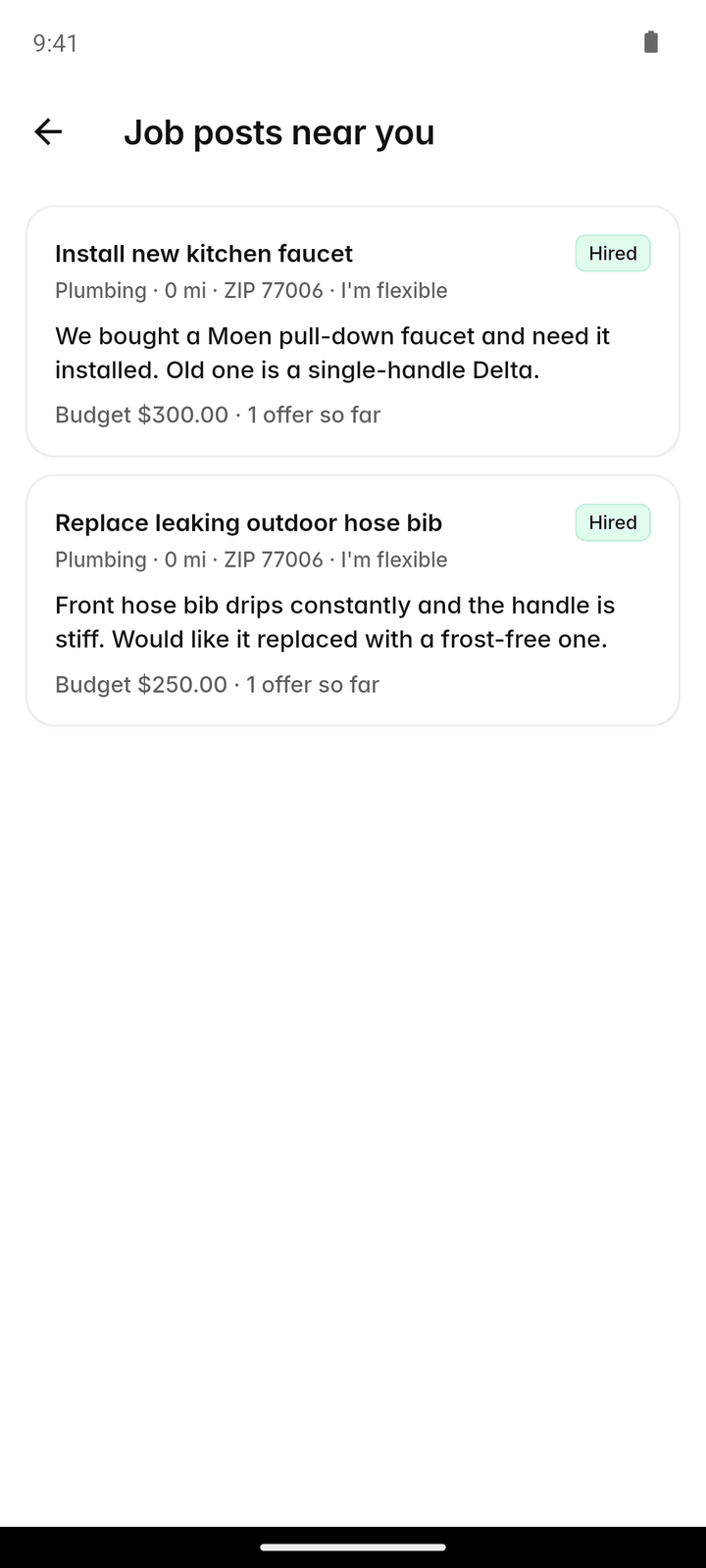
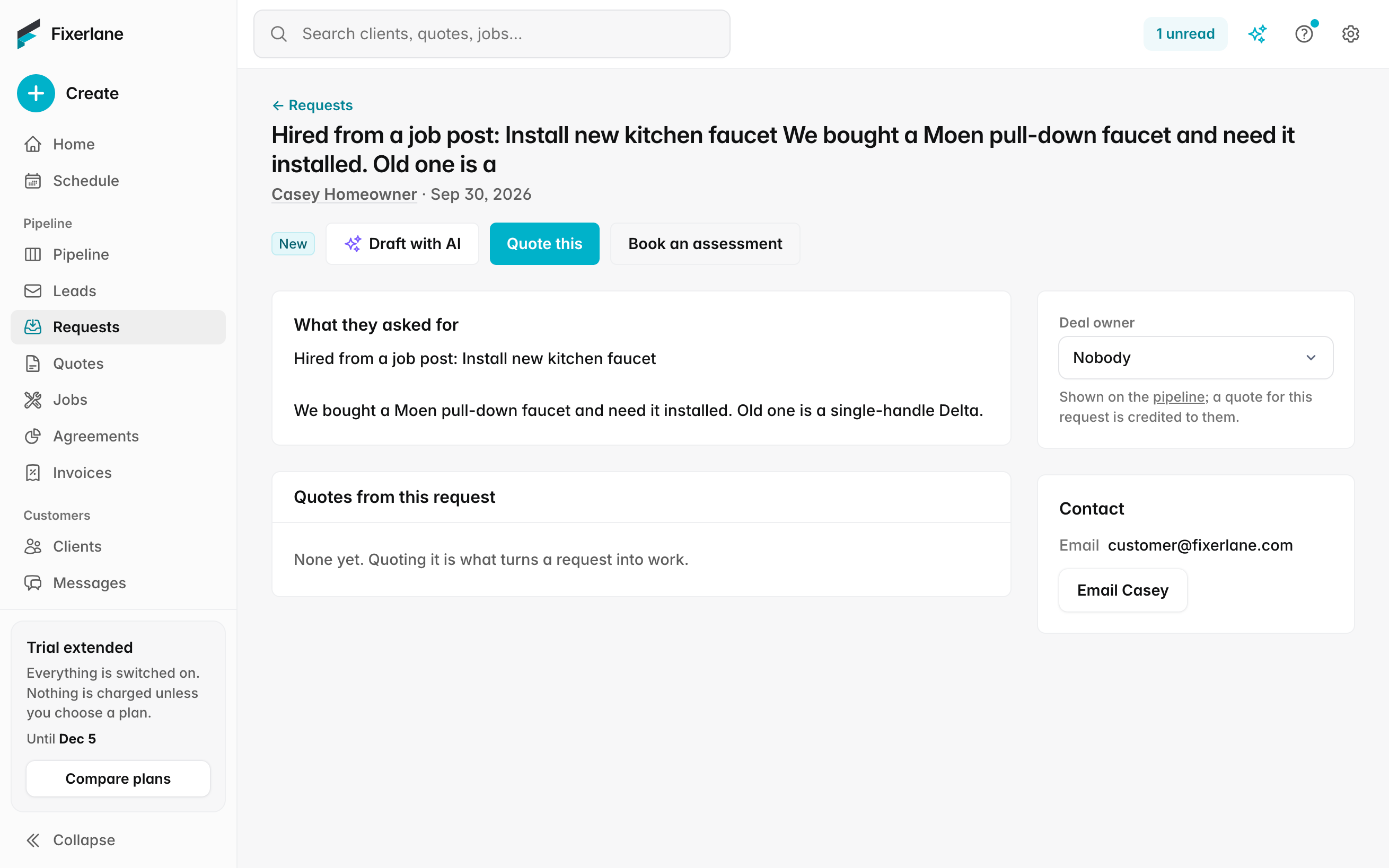
If the homeowner picks you, your offer shows Hired and their details arrive in Leads, ready to make them a client. If they pick someone else, it shows Not chosen.
Turn it into a job
Make the homeowner a client from the lead, and their request carries across. Quote it, schedule the visit and invoice it with the business tools, which come with the 14-day trial and then a plan.
In more detail
What you see on a post
More → Job posts near you lists open posts with the trade, how far away it is, the timing, the budget, any photos and how many offers it already has. Home shows how many posts you have not answered yet. The homeowner’s name, contact details and street address are not shown until they hire you. A good offer answers what the post asks: what you would do, when you could start, and whether the price is firm or depends on seeing the job. The homeowner reads the offers before choosing, so a clear message often matters as much as the number.
Who gets the alert
Each post alerts the 50 nearest businesses it reaches, so a post is not sent to every pro in the state. Alerts go to owners and admins. If you would rather check the list yourself, turn off "Alerts for new job posts" in Settings → Service areas.
One offer, from the right person
Each business sends one offer per post, which you can update until the homeowner decides. Owners, admins and office staff can send offers; crew members cannot, so the price a customer sees comes from someone who sets prices.
Verification badges
Upload a PDF or photo of each document in Settings → Verification & badges. Registered business, Licensed, Insured and ID verified each get a badge once approved. All four together, in date, earn the Fixerlane Verified badge. A background check is optional. A badge comes off by itself when its document expires, so upload the new one before then; it replaces the old one. Badges show what Fixerlane staff saw on a document, and homeowners are still told to check a pro for themselves.
What it costs
Free on every account, with or without a plan: your listing, job posts near you, sending offers, replying to leads and verification badges. The business tools for quoting, scheduling and invoicing come with a 14-day free trial, then plans from $19.99 a month.
See all plans →Not built yet
Listed here rather than discovered after you sign up:
- Paid placement or boosted offers: every matching pro sees a post the same way
- Job post alerts by text message: alerts arrive as app notifications and in Activity
- Posting jobs as a pro to find subcontractors: job posts come from homeowners
Common questions
- How much does a job post lead cost?
- Nothing. Seeing posts, sending offers and being hired are free, with or without a plan. There are no credits to buy and no fee when a homeowner chooses you.
- Why can’t I see job posts yet?
- Job posts open once your listing is live, which happens when Fixerlane verifies a document from your claim or new listing, usually within 1 to 2 business days. The rest of the app works in the meantime.
- Which posts will I see?
- Open posts that match your trades, inside your service areas. With no areas set, posts within 40 miles of your business reach you.
- Do I have to give a price?
- No. Leave the price empty to say you will quote after a visit, and explain that in your message.
- Can I change my offer?
- Yes. Send it again to update it, or tap "Withdraw" to take it back, until the homeowner decides.
- Will I get too many notifications?
- At most one alert every half hour, with posts in between grouped together. You can turn alerts off in Settings → Service areas.
- Do I need every badge?
- No. Each badge stands on its own. Registration, license, insurance and ID together, all in date, earn Fixerlane Verified. A background check is optional, and ID and background-check files are deleted after review.
- Can my crew members send offers?
- No. Owners, admins and office staff can send offers, so the price a homeowner sees comes from someone who sets prices for the business. Crew members work from their own visits.
Works well with
Lead inbox
Every enquiry lands in one list, with what the customer needs, where they are and how to answer them. Receiving leads and replying to them is free, with or without a plan.
Reviews and referrals
Email a review link to the clients whose work you finished, reply to what they write, and let happy clients refer a friend from their own link. Every review is from a real customer of yours.
Quoting
Build the quote on site, send it before you leave the driveway, and know the moment the customer opens it, approves it or asks for a change.
Online booking
Customers pick a time that is actually free, from your business hours and what is already on the schedule. The booking lands on your calendar as a job with its visit, and nobody has to call back to confirm.
The same tools in the Fixerlane app
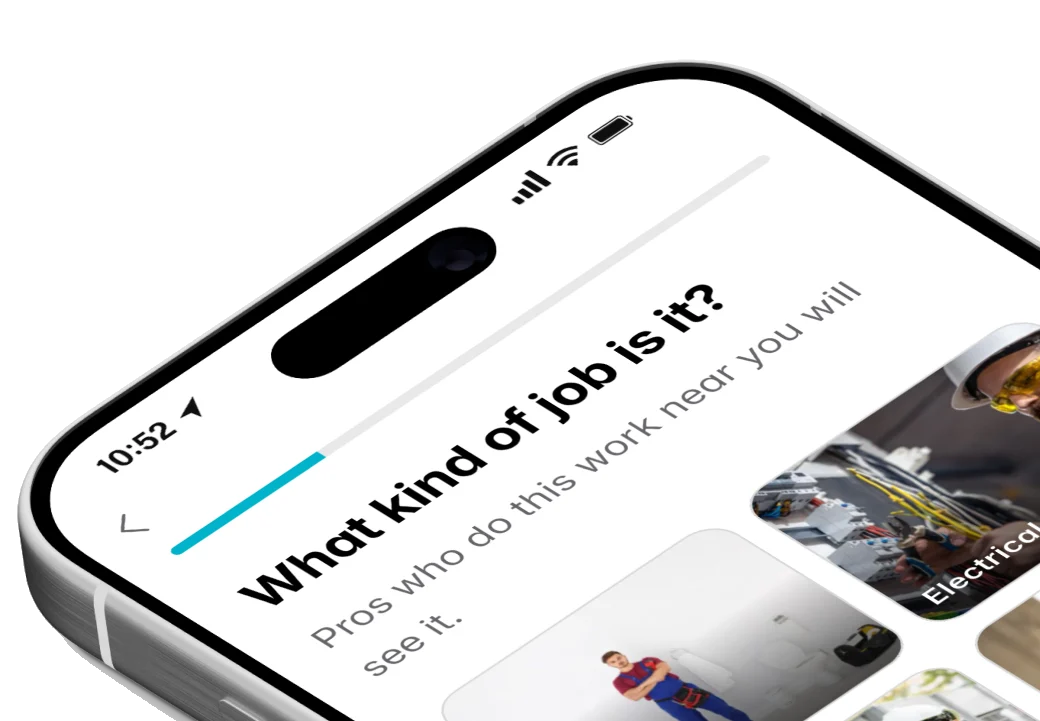
Fixerlane runs in the browser and on Android and iPhone, with the same tools in each. The app keeps your day on the phone, so it keeps working without signal.


Try it on your own work
Start the 14-day trial with no card, or claim your free listing first and add the tools later.
All features →