Lead inbox
Lead management for home service businesses
Every enquiry lands in one list, with what the customer needs, where they are and how to answer them. Receiving leads and replying to them is free, with or without a plan.
14-day free trial, no card · listing and leads free forever
Why pros use it
Nothing slips between apps
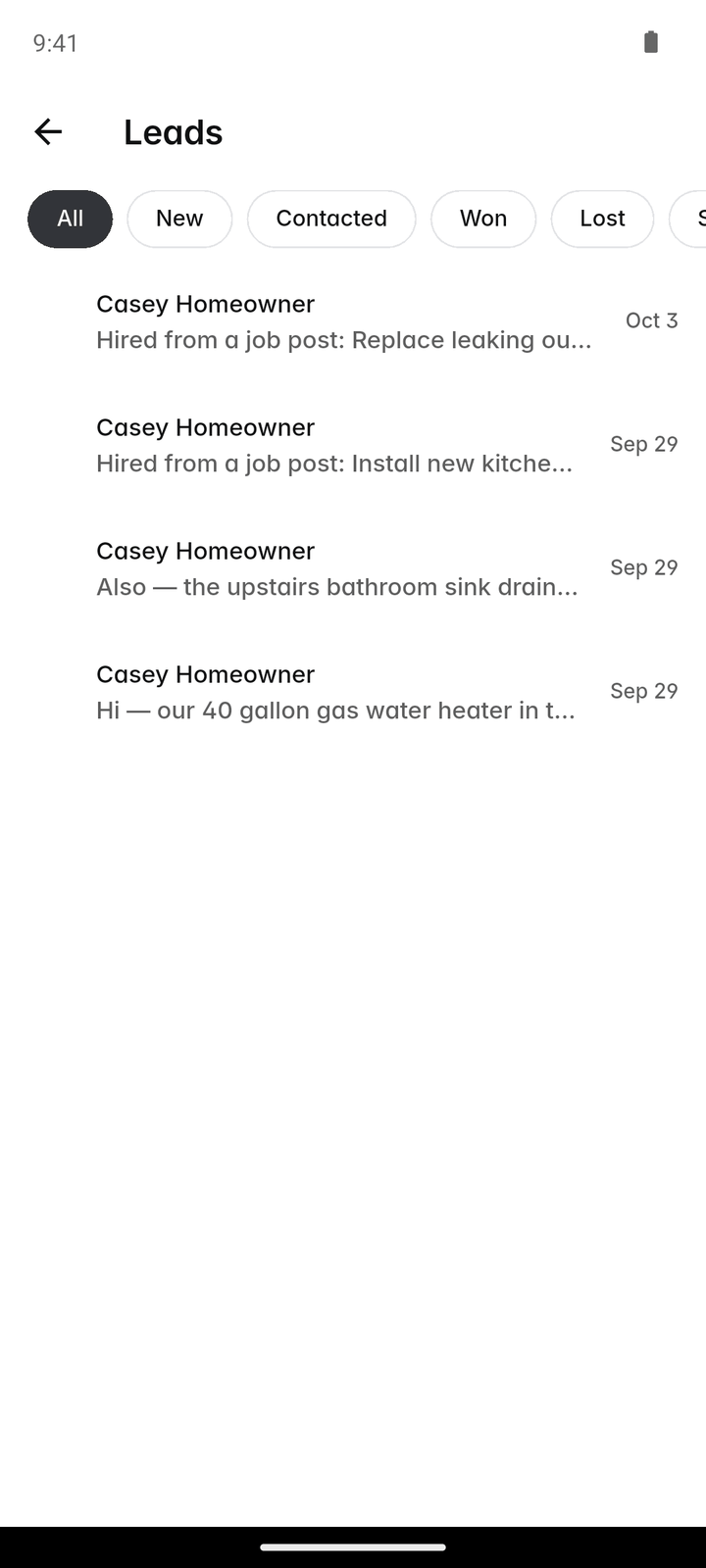
Requests from your listing, your own request forms, customers who message you first and job posts you win all arrive in the same Leads list, on the phone and on the web.
The first message already has the answers
Your request form asks what you need to know before you quote: the size of the job, the photos, the timing. You read it once instead of chasing it over three calls.
Free, for good
Leads and your replies to them never need a plan. The paid tools start when you want to turn the lead into a client, a quote and a job.
How it works
A customer asks
Someone taps "Request a quote" on your listing, fills in one of your request forms, messages you from your profile, or hires you from a job post. The lead appears in More → Leads.
You read what they need
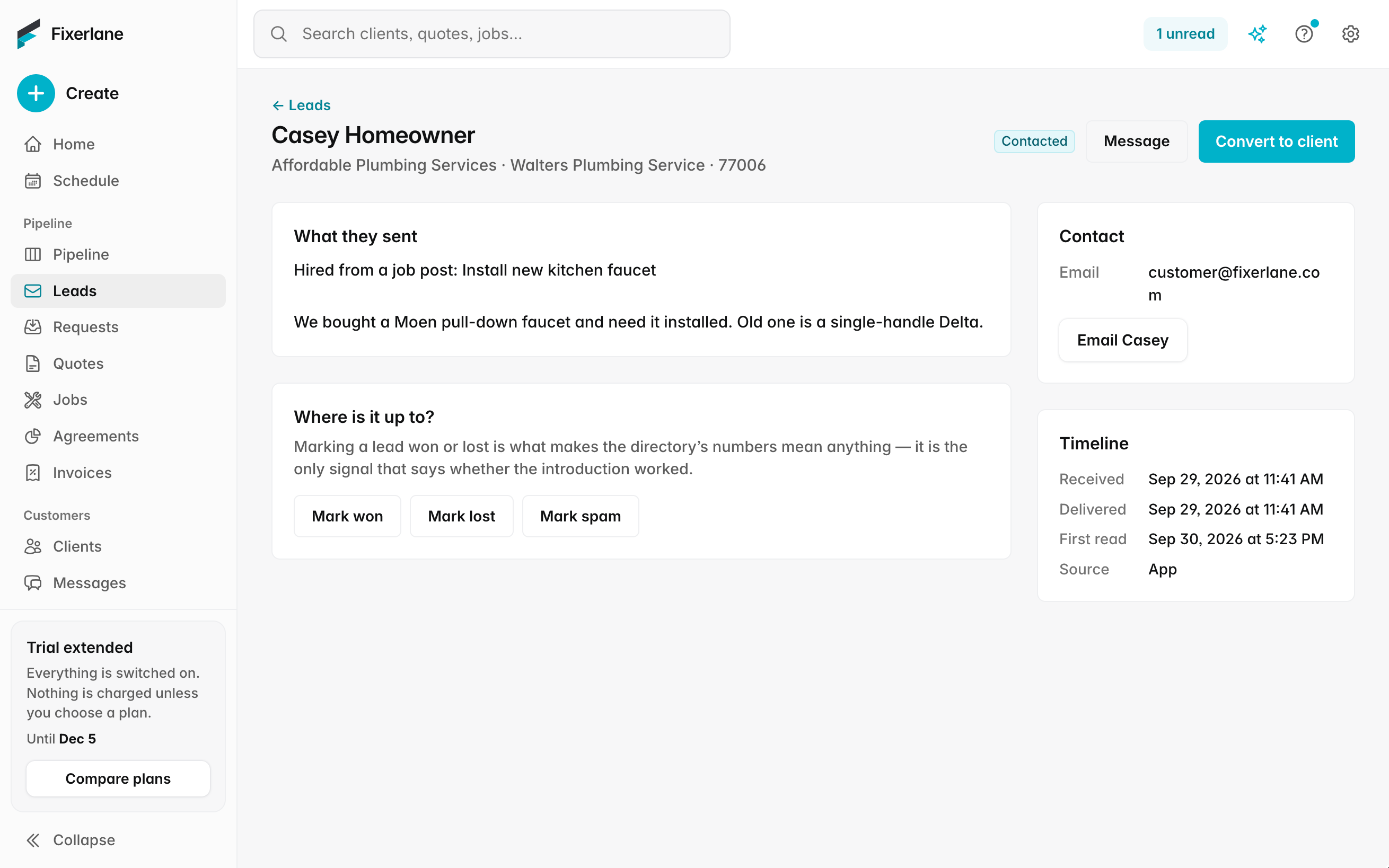
The lead shows the job, any photos and form answers, their ZIP code and town. Opening it marks it read, so the New filter only ever holds what nobody has looked at.
You reply
Tap "Message" to answer in Fixerlane. The customer gets an email with a link and replies from their browser, no app or account needed. Once they share their details you can also call or email them, or text them from your own phone.
You mark where it stands
Set it to Contacted, Won, Lost or Spam. The filters keep the list honest: what still needs a reply is never buried under what is finished.
You make them a client
One tap creates the client and a request with their answers carried across, ready to quote or turn into a job. Nothing is retyped.
In more detail
Private until they hire you
A request that comes through Fixerlane shows the customer’s first name and last initial. Their phone and email are shared when they hire you: they approve your quote, book with you, pick you from a job post, or tap "Share my contact details". Until then you talk in Fixerlane messages, and quotes you send reach them by email from Fixerlane. It protects the homeowner, and it means the people who do share their number have already decided to talk to you.
Their contact preferences, on the lead
When a customer shares their details, the lead says what they agreed to: calls, texts and email, or email and messages only. If they said no calls or texts, the Call and Text buttons are hidden for them, so nobody on your team rings a customer who asked not to be rung. When they did agree, the Text button opens your phone’s own Messages app; Fixerlane never sends a text itself.
Your own questions, your own forms
Settings → Request and booking forms lets you write the questions you always end up asking: short or long answers, numbers, a pick from a list, yes or no, a date or a photo. Mark the ones that must be answered and set one form as the default. Without a form of your own, customers see Fixerlane’s standard one.
From lead to request to quote
Making a lead a client creates a request with the answers on it. From the request you can book an assessment if you need to see the job first, tap "Quote this" to start a quote with the client and address filled in, or turn it straight into a job for work that needs no quote. The Insights lead sources report then shows which channels the work came from.
What it costs
Receiving leads and replying to them is free on every account, with or without a plan. Making a lead a client, quoting and scheduling come with the 14-day free trial (no card), then any plan from $19.99 a month.
See all plans →Not built yet
Listed here rather than discovered after you sign up:
- A phone system or call tracking: calls go from your own phone
- Text messages sent by Fixerlane: the Text button opens your own phone’s Messages app
Common questions
- Do I pay for leads?
- No. Leads from your Fixerlane listing, your request forms and job posts are free, and so is replying to them. There is no per-lead charge and no bidding for leads.
- Why can’t I see the customer’s phone number?
- Requests that come through Fixerlane keep the customer’s contact details private until they hire you, by approving a quote, booking, choosing you from a job post or sharing their details. Until then, reply in Fixerlane messages; they get your reply by email and can answer without an app.
- Can my office staff answer leads?
- Yes. Owners, admins and office staff do the office work of clients, requests and quotes, so they can answer leads and move them along. You choose each person’s role when you add them to the team.
- Can I add a lead that came in by phone?
- Yes. Add the person as a client, or add a request by hand from More → Requests, and work it the same way as one that came from your listing.
- What happens to a lead after my trial ends?
- Nothing is lost. You keep receiving leads and replying to them for free. Turning a lead into a client, quoting and scheduling wait until you choose a plan, and everything you made during the trial is still there when you do.
- Will customers have to download an app to talk to me?
- No. Your message reaches them by email with a link, and they reply from their browser. Customers who already use the Fixerlane app see the conversation there too.
- Can I see which leads turned into paid work?
- Set each lead to Won or Lost as it closes. The lead sources report in Insights shows where your clients came from, and quote performance shows how many quotes were approved.
Works well with
Online booking
Customers pick a time that is actually free, from your business hours and what is already on the schedule. The booking lands on your calendar as a job with its visit, and nobody has to call back to confirm.
Job posts near you
Homeowners describe a job and the pros whose trade and area match can send an offer. Your listing, the job posts and your offers are free, on every account.
Sales pipeline
Every request and quote sits on one board, in the stage it has reached. Drag it along as it moves, see who is handling it, and when a quote is lost, write down why.
Messages and inbox
Message clients from the app or the web, with photos and voice notes. They reply from an email link, no app or account needed, and email from your own mailbox sits next to the client it belongs to.
The same tools in the Fixerlane app
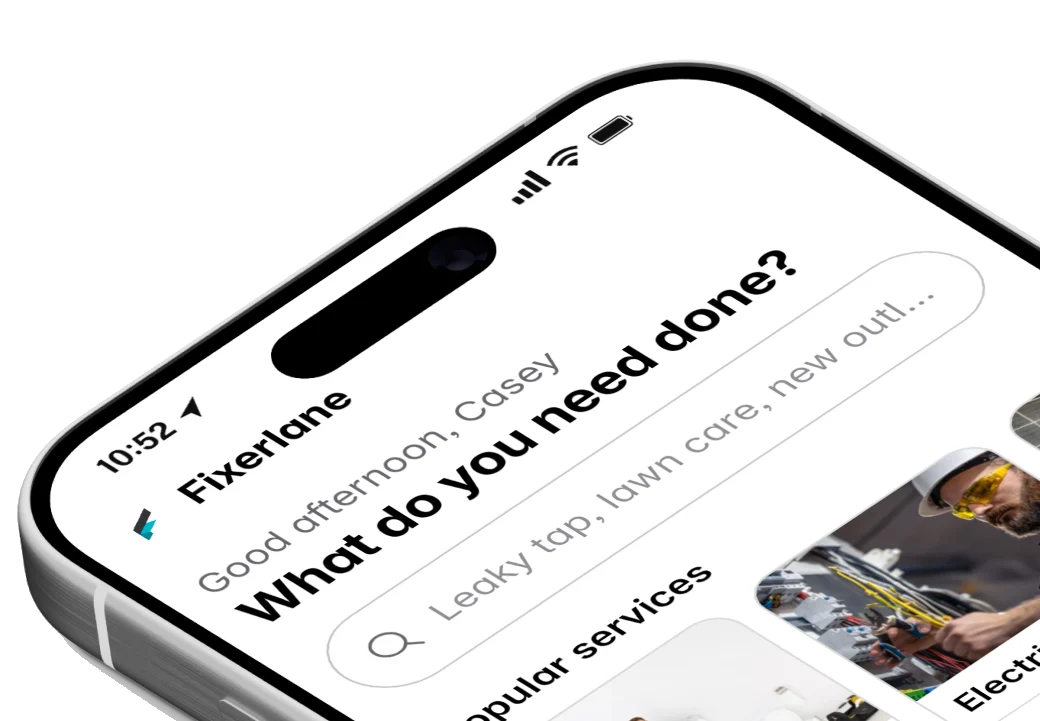
Fixerlane runs in the browser and on Android and iPhone, with the same tools in each. The app keeps your day on the phone, so it keeps working without signal.


Try it on your own work
Start the 14-day trial with no card, or claim your free listing first and add the tools later.
All features →