Sales pipeline
A sales pipeline for contractors, from request to approved quote
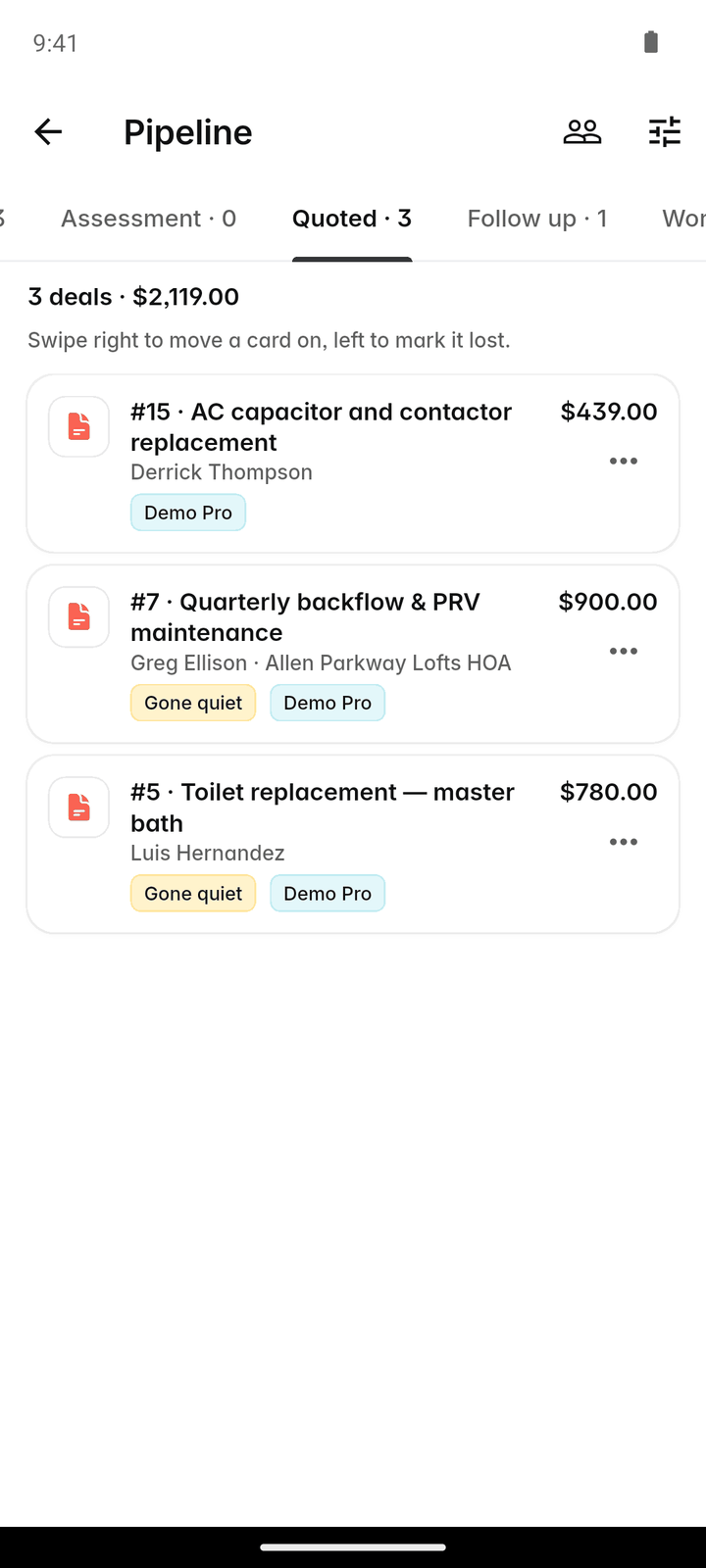
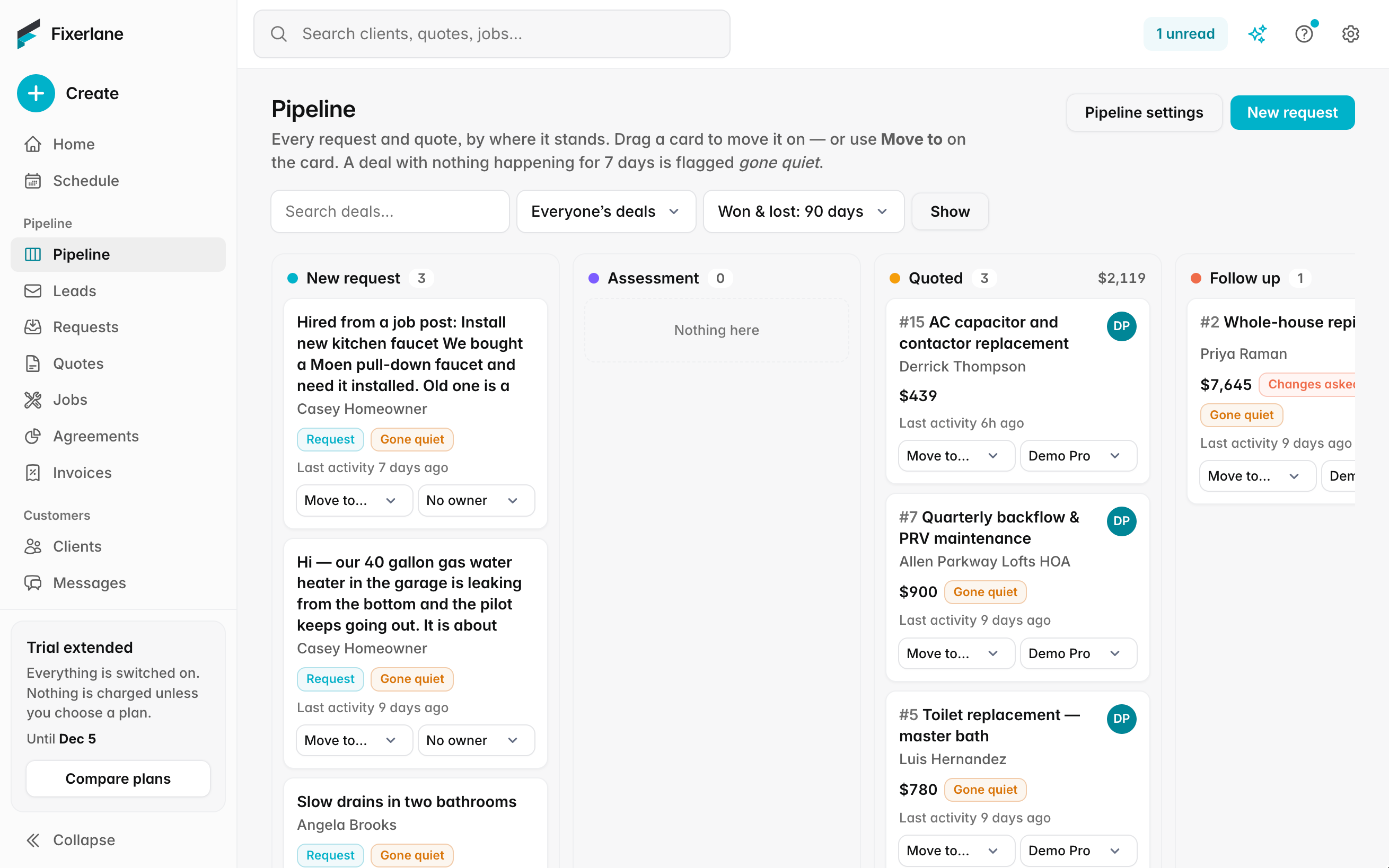
Every request and quote sits on one board, in the stage it has reached. Drag it along as it moves, see who is handling it, and when a quote is lost, write down why.
14-day free trial, no card · listing and leads free forever
Why pros use it
The whole pipeline on one screen
New requests, assessments booked, quotes out and quotes waiting on changes, each in its own column. You see what needs a nudge without opening a list for every stage.
Everyone knows whose it is
Each request and quote can carry a salesperson. The board filters to one person, so a busy estimator sees their own work and the owner sees the lot.
Learn from the ones you lose
When a quote is lost, pick a reason: price, timing, went with someone else, no reply. Over a season the reasons tell you more than the win rate does: whether to sharpen your prices, answer faster, or follow up once more before letting a quote go.
How it works
Work arrives on the board
Requests from leads, bookings and your own entries appear in the first column. Quotes take their place as you send them.
Draft the quote
Start a quote from the request yourself, or ask Fixerlane AI to draft one: it reads the request and suggests lines from your price book. You check every line and price before anything is sent.
Move it along
Drag a card to the next stage, or let it move by itself when the quote is sent, opened or approved. Assign or change the salesperson on the card.
Close it
An approved quote becomes a job with its lines carried across. A lost one gets a lost reason, and both count in the quote performance report.
Review the season
Open quote performance for any date range to see quotes sent, approved and lost, by salesperson, with the lost reasons counted. Export it to CSV if you want to work on it in a spreadsheet.
In more detail
Stages that match how you sell
The board shows requests and quotes by where they stand: new, assessment booked, quote sent, changes requested, approved and lost. A quote that the client opened is marked, with how many times, so you know who to call first. Approved and lost cards drop off the active columns so the board stays about work still in play. Open any card to get the full request or quote, with the client, the property, the lines and the messages, and act on it there: book the assessment, send the quote, or answer the client’s request for changes.
AI-drafted quotes, checked by you
From a request, Fixerlane AI can draft a quote using the client’s answers and the services in your price book. The draft is a suggestion: nothing is saved or sent until you review it and confirm. Drafting a quote uses AI credits by the work it takes, usually 1 or a few, from the credits your plan includes each month. If you run out, only the assistant pauses; building a quote by hand keeps working as it always does.
A salesperson on each deal
Set a salesperson on a request or quote, and change it when work is handed over. Filter the board and the quote list by salesperson, and see each person’s quotes sent and approved in the quote performance report. When someone leaves, filter the board to them and change the salesperson on each open card, so no client is left waiting on someone who has gone.
Lost reasons and quote performance
Marking a quote lost asks for a reason from a short list, with a note if you want one. The quote performance report shows quotes sent, approved and lost for any date range, by salesperson, with the lost reasons counted. It exports to CSV like every other report.
What it costs
Included in every plan: Fixerlane $19.99 a month for up to 10 people, Fixerlane Team $39.99 for up to 25, Fixerlane Business $69.99 for up to 50. Every plan starts with a 14-day free trial, and no card is needed to start.
See all plans →Not built yet
Listed here rather than discovered after you sign up:
- Commission calculation: the report shows each salesperson’s results, and pay is worked out outside Fixerlane
- Win probability or forecast weighting on deals
Common questions
- Is the pipeline a separate CRM?
- No. It is a board view of the requests and quotes already in Fixerlane. Moving a card changes the real record, and nothing has to be kept in step. The same requests and quotes are still in their usual lists if you prefer those.
- Does the AI send quotes for me?
- No. It drafts a quote from the request and your price book. You check it, change what you want and confirm before anything is saved or sent.
- How many AI credits does a drafted quote use?
- Usually 1 or a few: it is charged by the work it takes. Every plan includes 50 credits a month, and the Fixerlane AI add-on raises that to 2,000.
- Can I have more than one salesperson?
- Yes. Anyone on your team can be set as the salesperson on a request or quote, and the board filters by person.
- What are lost reasons for?
- When a quote is lost you pick why. The quote performance report counts the reasons, so you can see whether you lose on price, timing or follow-up.
- Do quotes signed on the spot count?
- Yes. A quote the client signs in person counts as sent and approved in quote performance. Change orders on a job count as neither.
- Can crew members see the pipeline?
- Roles decide it. Owners, admins and office staff do the office work of requests and quotes; crew members work from their own visits.
- Does the AI know my prices?
- It drafts from the services and materials in your price book, with your prices and units. Items you have not added are left for you to price, and you can change any line before the quote is saved.
Works well with
Lead inbox
Every enquiry lands in one list, with what the customer needs, where they are and how to answer them. Receiving leads and replying to them is free, with or without a plan.
Quoting
Build the quote on site, send it before you leave the driveway, and know the moment the customer opens it, approves it or asks for a change.
Fixerlane AI
Ask what is on tomorrow, who owes you money or how last month went, by typing or speaking. Have it draft a quote, book a visit or write a reply. It shows you what it will do, and waits for you to confirm.
Insights and reports
Eighteen reports on money, work and clients, a dashboard for the owner, a revenue goal to aim at and a short note each week on what changed. Every report exports to CSV.
The same tools in the Fixerlane app
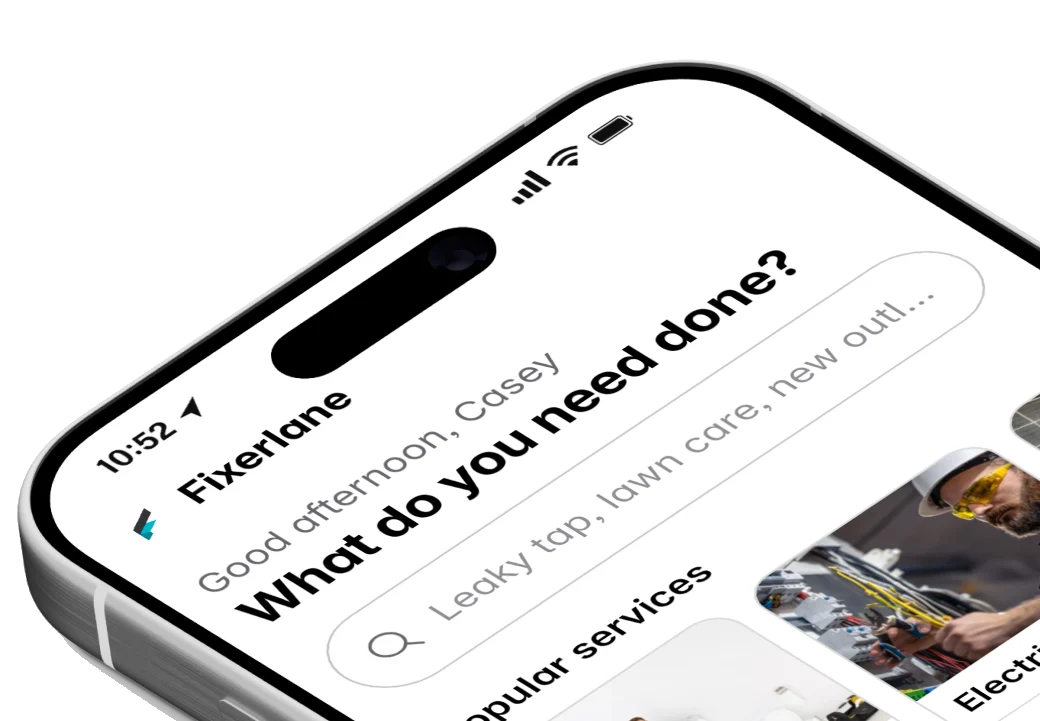
Fixerlane runs in the browser and on Android and iPhone, with the same tools in each. The app keeps your day on the phone, so it keeps working without signal.


Try it on your own work
Start the 14-day trial with no card, or claim your free listing first and add the tools later.
All features →