Invoicing
Invoicing software for home service businesses
Raise the invoice from the job you just finished, send it with a payment link, and see what is still owed without opening a spreadsheet.
14-day free trial, no card · listing and leads free forever
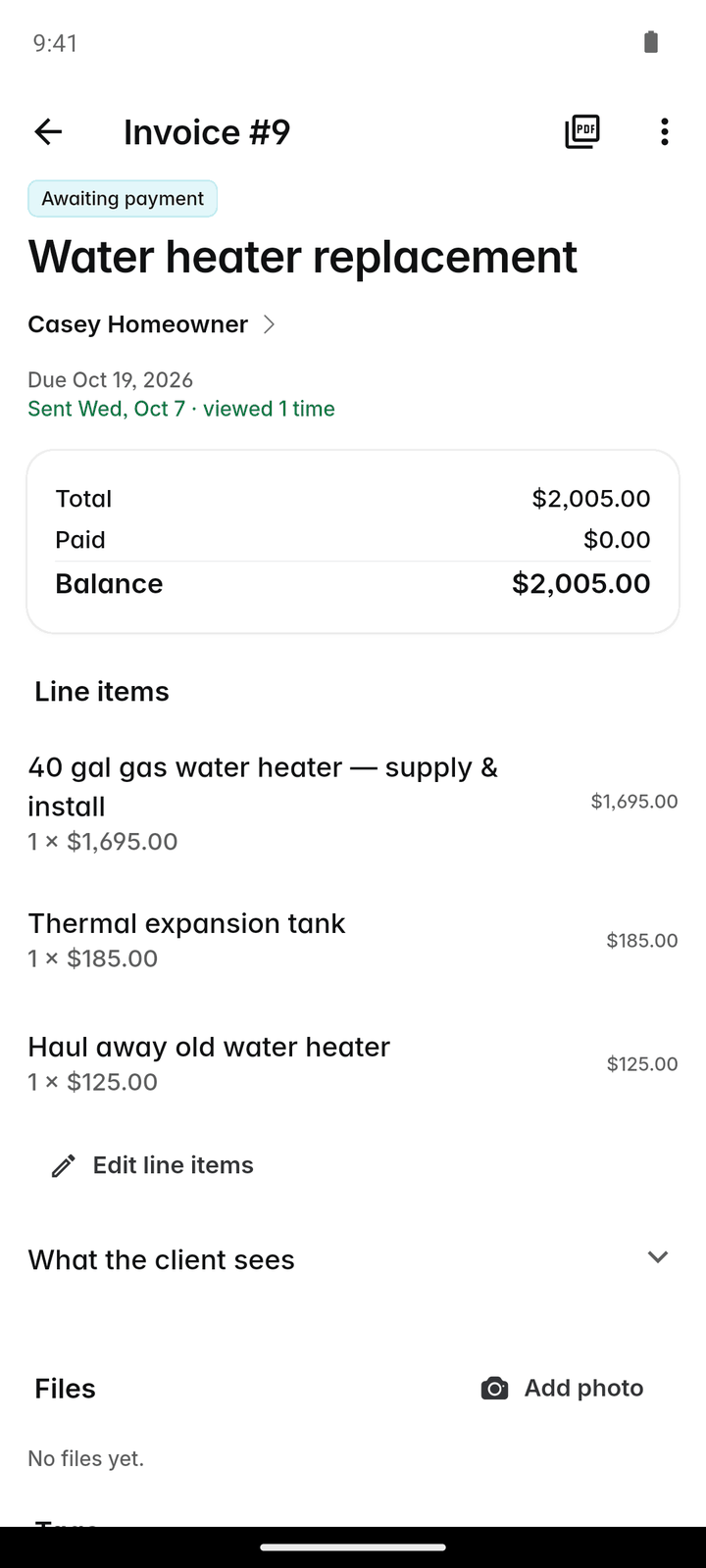
Why pros use it
Nothing retyped
An invoice comes from its job, so the lines, the tax, any discount and any deposit already paid carry across by themselves.
Paid sooner
Every invoice carries a link the customer can pay from by card or bank, once you take payments. Reminders go out on the due date and after it without you remembering.
One figure for what you are owed
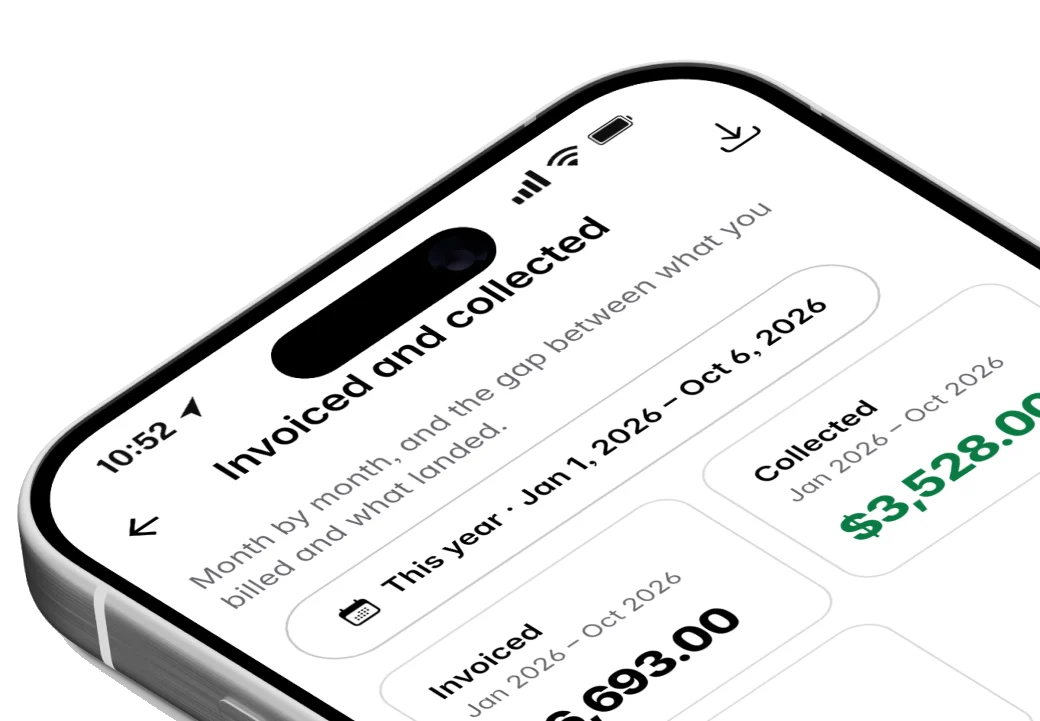
Your overview shows what is outstanding right now, and the aged receivables report shows how long each amount has been waiting, so you know who to call first.
How it works
Finish the job
Open the finished job and choose "Create invoice", or tap + → Invoice and pick the job.
Check it and set the due date
Check the lines and choose when it is due: on receipt, or in 7 to 60 days. Fourteen days is the default.
Send it
Tap Email to send it with a PDF and a payment link. It goes from your own mailbox if you connected one, otherwise from Fixerlane where it can.
Record what comes in
Online payments record themselves. Cash, cheques and transfers you record by hand, part payments included; the status follows the balance rather than being set by hand.
Follow up what is late
Automatic reminders go out on the due date and three days after, if you switch them on. The aged receivables report shows who still owes what, and for how long.
In more detail
Big jobs, billed in stages
On a job, "Billing schedule" splits the total into stages, for example 30% to start, 40% at rough-in and 30% on completion. A deposit already paid counts as the first payment. Each stage has its own Invoice button, and the job shows what is billed and what is left. Owners and admins set the schedule up. It suits remodels, installs and any job that runs for weeks, where waiting until the end to bill would mean paying for materials and wages out of your own pocket in the meantime.
Many jobs at once
Invoices → Batch turns a set of finished jobs into one draft invoice each, every one with its own quote’s tax and any deposit paid, then sends the drafts in one go. "To invoice" lists recurring visits that are done but not billed, with a button to raise the invoice, open the job or skip it this time. Sent invoices cannot be called back, so check the drafts first. For weekly or fortnightly work such as cleaning or lawn care, this turns the end-of-month billing evening into a few minutes of checking.
Reminders that send themselves
Settings → Automations has "Remind on the day an invoice is due" and "Chase 3 days after an invoice is due", in your own words, and you can switch either off. Each invoice is chased by email at most once automatically, so a customer is never nagged in a loop. A personal message still works faster, and Templates keep yours ready.
Exact money, receipts and statements
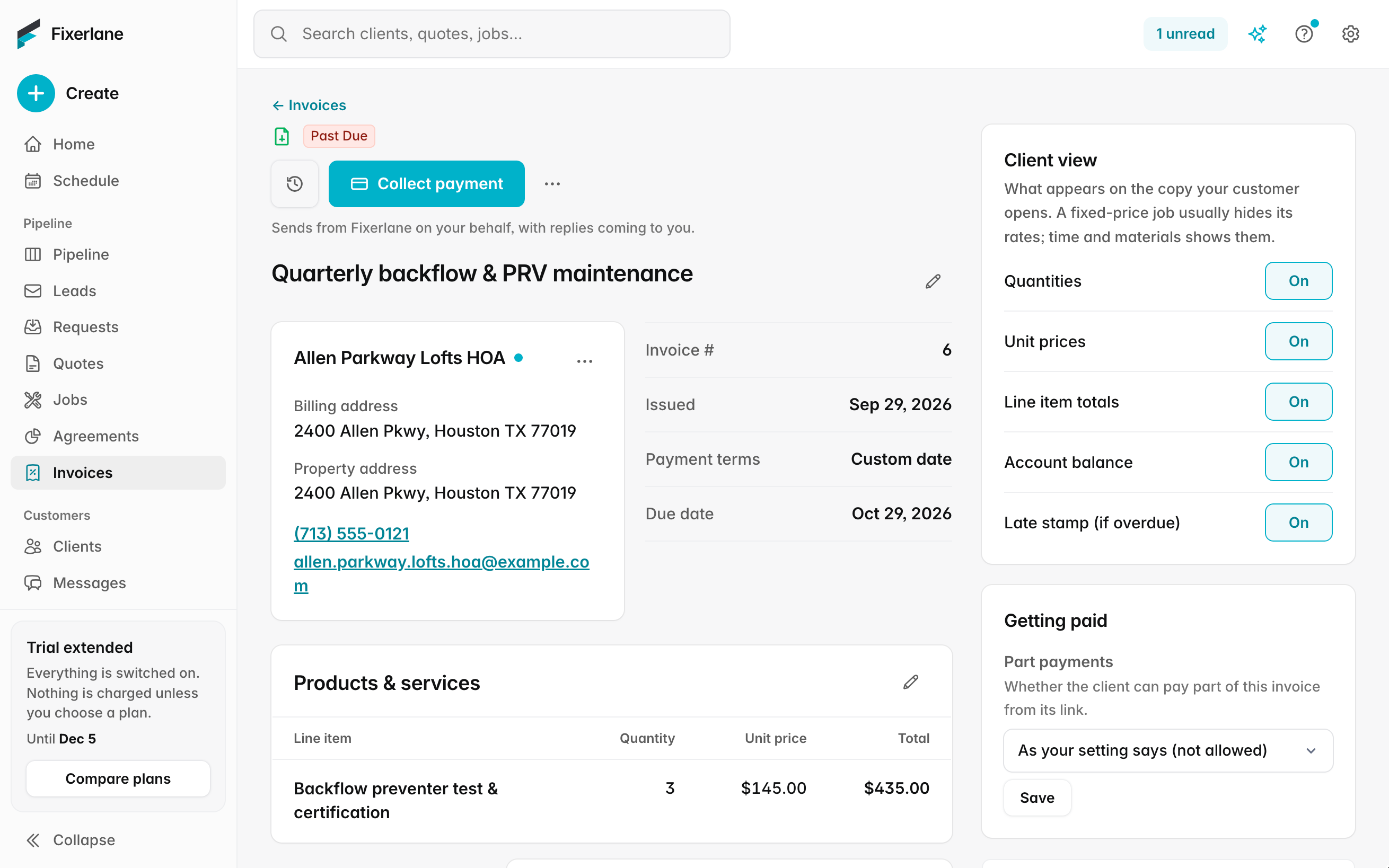
Every amount is stored in whole cents, so a long invoice never drifts. A receipt is emailed for each payment, online or recorded by hand, while "Payment receipt" is on, and you can resend it from the payment. From a client’s record you can send a statement of their account, which helps with property managers and repeat customers who settle several invoices at once. The client’s job sign-off signature prints on the invoice too.
What it costs
Included in every plan: Fixerlane $19.99 a month for up to 10 people, Fixerlane Team $39.99 for up to 25, Fixerlane Business $69.99 for up to 50. Every plan starts with a 14-day free trial, and no card is needed to start.
See all plans →Not built yet
Listed here rather than discovered after you sign up:
- Two-way sync with QuickBooks or other accounting software: QuickBooks data can be imported once, and every list exports to CSV
- Consumer financing for customers
Common questions
- Can I make an invoice without a job?
- An invoice always comes from a job, so tax, discounts and deposits carry across. For a quick one-off, create a job with the lines and invoice it straight away.
- Can customers pay part of an invoice?
- Yes. Record a part payment by hand when it arrives, and customers can pay part of the balance online from the invoice link. The status follows what is left to pay.
- How do overdue reminders work?
- Turn on the due-day reminder, the 3-days-after chase, or both, under Settings → Automations. Each invoice is chased by email at most once automatically.
- Do reminders go by text?
- No. Fixerlane does not send text messages. Reminders go by email, and you can text a customer yourself from your own phone.
- Can I invoice recurring work every month?
- Yes. Use Invoices → Batch for finished visits, or set up a service agreement to invoice the client every month, quarter or year, or charge their saved card.
- What does it cost to get paid online?
- Cards: no Fixerlane fee, only Stripe’s processing fee. Bank payments (ACH): 1% per payment, never more than $20, with Stripe’s fee included. Customers pay no fee.
- Can I export my invoices?
- Yes. Every list and report exports to CSV, and Account & plan → "Export all my data" sends you the whole business as Excel, CSV or JSON.
- Can I invoice a week of finished jobs in one go?
- Yes. Owners and admins open Invoices → Batch, tick the finished jobs, and Fixerlane makes one draft invoice per job with its own tax and any deposit paid. Check the drafts, then send them together from "Send drafts". Sent invoices cannot be called back.
Works well with
Payments
Customers pay from the quote or invoice link, or tap their card on your phone. The money goes into your own Stripe account, and Fixerlane takes nothing from a card payment.
Service agreements
Set the visits once and Fixerlane keeps booking them. Set the price once and it bills the client every month, quarter or year, by emailed invoice or their saved card.
Proposals and change orders
Offer a choice instead of a single price, get it signed online or on site, and price the extra work that turns up halfway through without starting a new quote.
Insights and reports
Eighteen reports on money, work and clients, a dashboard for the owner, a revenue goal to aim at and a short note each week on what changed. Every report exports to CSV.
The same tools in the Fixerlane app
Fixerlane runs in the browser and on Android and iPhone, with the same tools in each. The app keeps your day on the phone, so it keeps working without signal.


Try it on your own work
Start the 14-day trial with no card, or claim your free listing first and add the tools later.
All features →