Mobile app
A field service app that works offline
Everything the web console does is in the app, and the app keeps working in basements, crawl spaces and dead zones. Changes wait on the phone and send themselves when signal comes back.
14-day free trial, no card · listing and leads free forever
Why pros use it
No signal, no problem
Your schedule, jobs, clients, quotes and invoices are kept on the phone. Open them, add notes and photos, clock in and record cash with no bars at all. The work you do in a crawl space is still there when you climb out.
Nothing is web-only
Quotes, scheduling, invoicing, payments, reports, team and settings are in the app as well as on the web. Build a quote in the driveway, tidy it at the desk that evening; it is the same quote in both places.
Your customers need nothing
Customers approve quotes, pay invoices and reply to messages from a link in an email. They do not need the app or an account, so nobody is asked to install anything before they can say yes.
How it works
Get the app
Fixerlane is on the App Store for iPhone and on Google Play for Android. Sign in with the same account you use on the web.
Start on Home
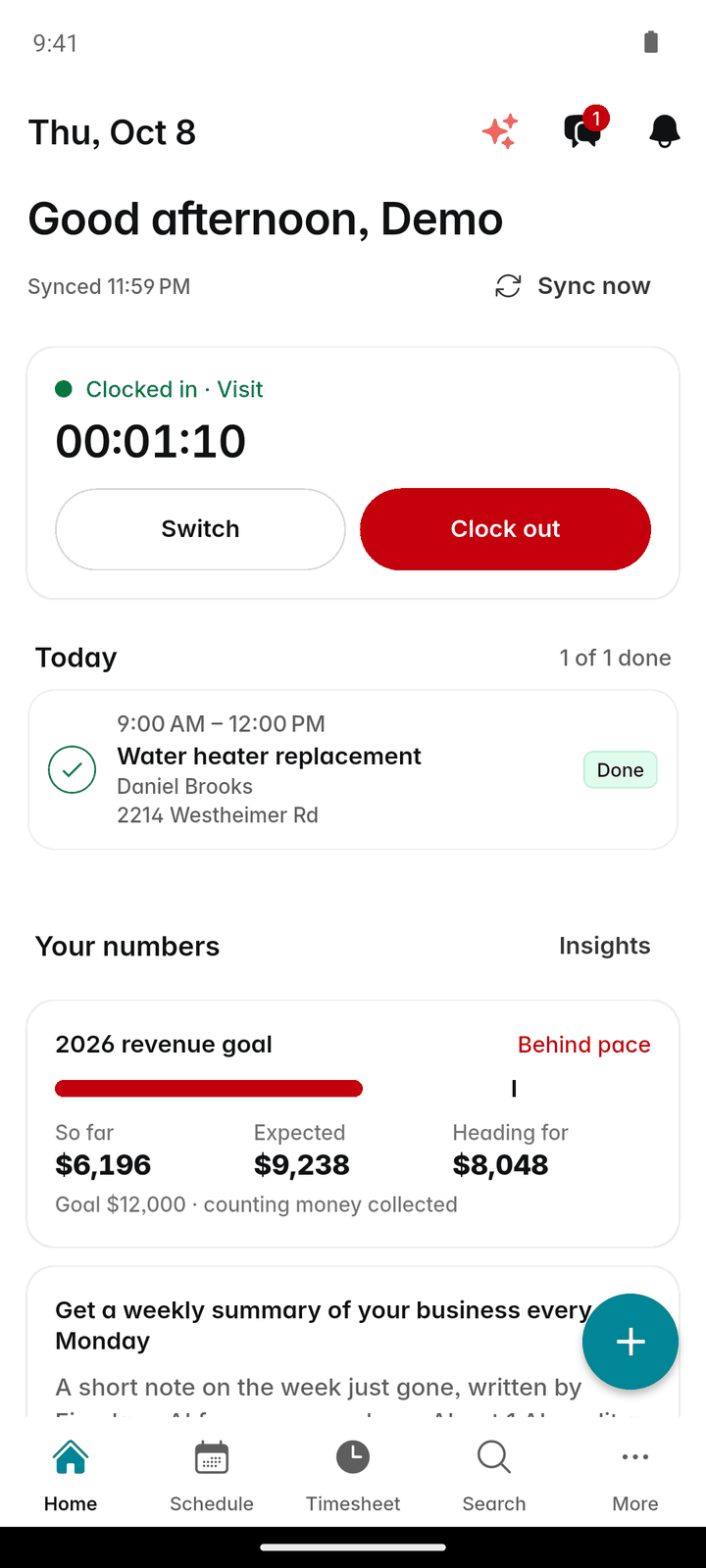
Home opens on today: the clock card, your next stop with a "Go" button for directions, and today’s visits with how many are done.
Work as usual, signal or not
Start visits, tick checklists, take photos and write notes. Without signal, the pill at the top shows "Offline · 3 saved".
Let it catch up
The app syncs every minute while it is open and when you come back to it. Tap "Sync now" or pull down to fetch everything fresh. "Synced 9:41 AM" at the top says when the phone last caught up.
Finish the job on the spot
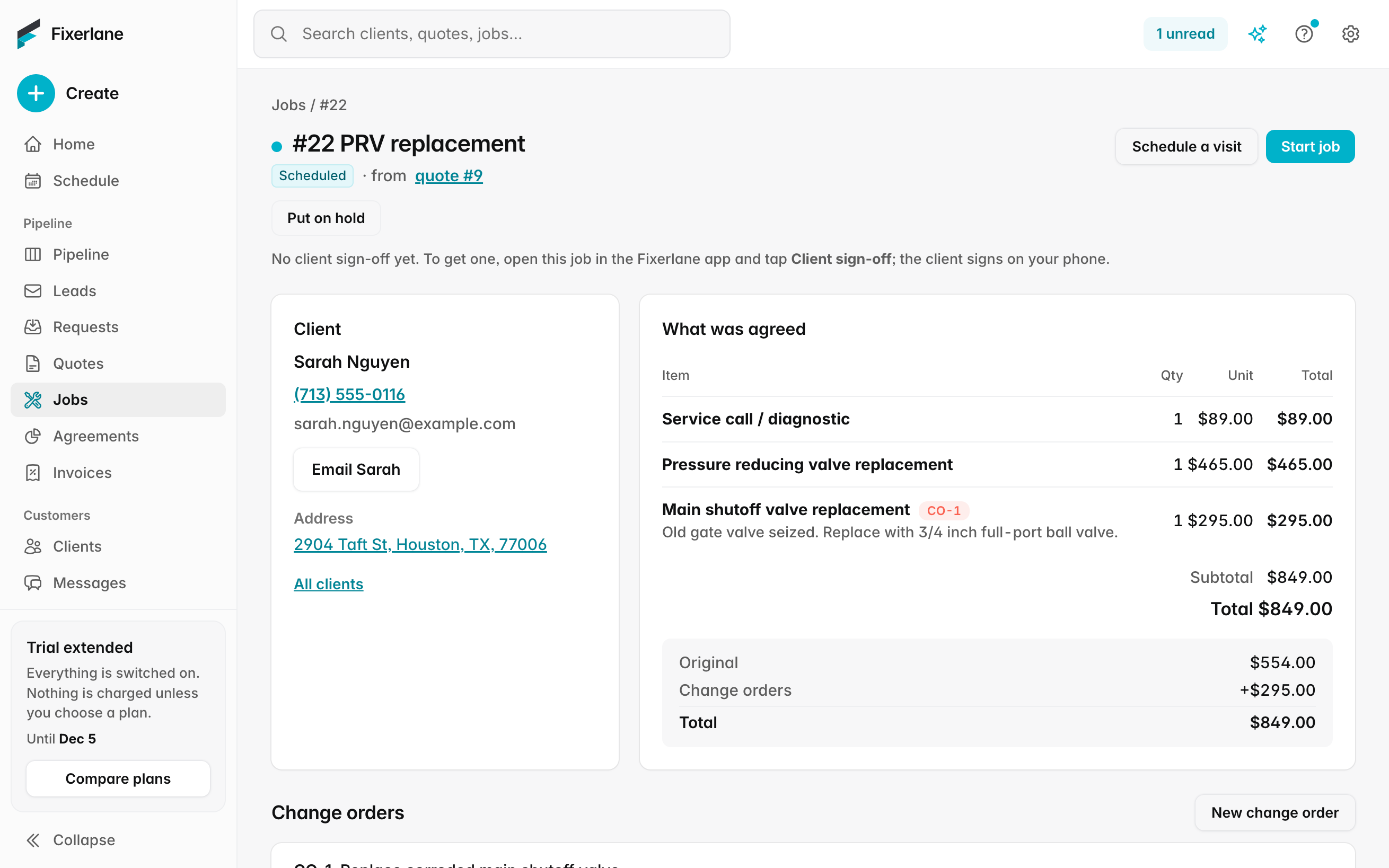
Get the client’s sign-off on your phone, raise the invoice from the finished job and take a card payment before you drive away, once you have signal.
In more detail
What works offline
Opening your schedule, jobs, clients, quotes and invoices; adding notes and photos; starting and completing visits; clocking in and out; dragging a visit to a new time; sending messages and emails, which go once you have signal; and recording cash or cheque payments. Photos are kept on the phone first and upload when you reconnect. Client sign-off at the end of a job works with no signal too, so a signature in a basement is not lost.
What needs signal
Card and bank payments, sharing a PDF or a link, uploading verification documents, and emailing a client from your own mailbox. The app tells you when something is waiting for signal rather than failing quietly. An "on my way" note that reaches Fixerlane more than 45 minutes late, for example after a stretch offline, is not emailed, so a customer is never told you are on the way after you have already arrived.
You can see every waiting change
Tap the pill at the top to see each change that has not been sent yet. Each has "Try again" and "Discard", and "Send now" sends them all. If you try to sign out with changes waiting, the app warns you first, because signing out throws them away.
Your own number, your own phone
The Call and Text buttons on a client, lead or visit open your phone’s own dialer or Messages app, so customers see your number. Fixerlane has no phone system and never sends a text itself. Reminders and "on my way" notes go by email and app notification.
What it costs
The app is free to download. Your listing, leads and replies are free in it forever; the business tools come with a 14-day free trial (no card), then any plan from $19.99 a month, the same price on the web and in the app.
See all plans →Not built yet
Listed here rather than discovered after you sign up:
- iPad and Android tablet layouts built for tablets: the app runs on phones, and the web console suits larger screens
Common questions
- Is there an iPhone app?
- Yes. Fixerlane is on the App Store for iPhone and on Google Play for Android, and the web console works in any browser.
- What happens to changes I make offline?
- They are saved on the phone and sent when you reconnect. You can see each waiting change, retry it, discard it or send them all at once.
- Can I take a card payment without signal?
- No. Card and bank payments need signal. Cash and cheques can be recorded offline and sync later, and the invoice’s balance updates once they do. If a customer wants to pay by card, a step outside to find a bar of signal is usually enough.
- Is the app missing anything the web has?
- No. The same features are in both. A few setup tasks, such as connecting Google Calendar sync, are done on the web.
- Do my customers need the app?
- No. They get emails with links and can approve, pay and reply in their browser. Customers who like apps can use the Fixerlane app to keep everything in one place.
- Does the app send text messages?
- No. Fixerlane never sends texts. The Text button opens your own phone’s Messages app, so the message comes from your number.
- What if my plan lapses while I have changes waiting?
- They are held on the phone and sent once you subscribe. Nothing you made is deleted.
- Can my crew use the app on their own phones?
- Yes. Each person signs in on their own phone and sees the work their role allows: crew see their own visits, office staff the office work, owners and admins everything. Your plan covers up to 10, 25 or 50 people.
Works well with
Scheduling
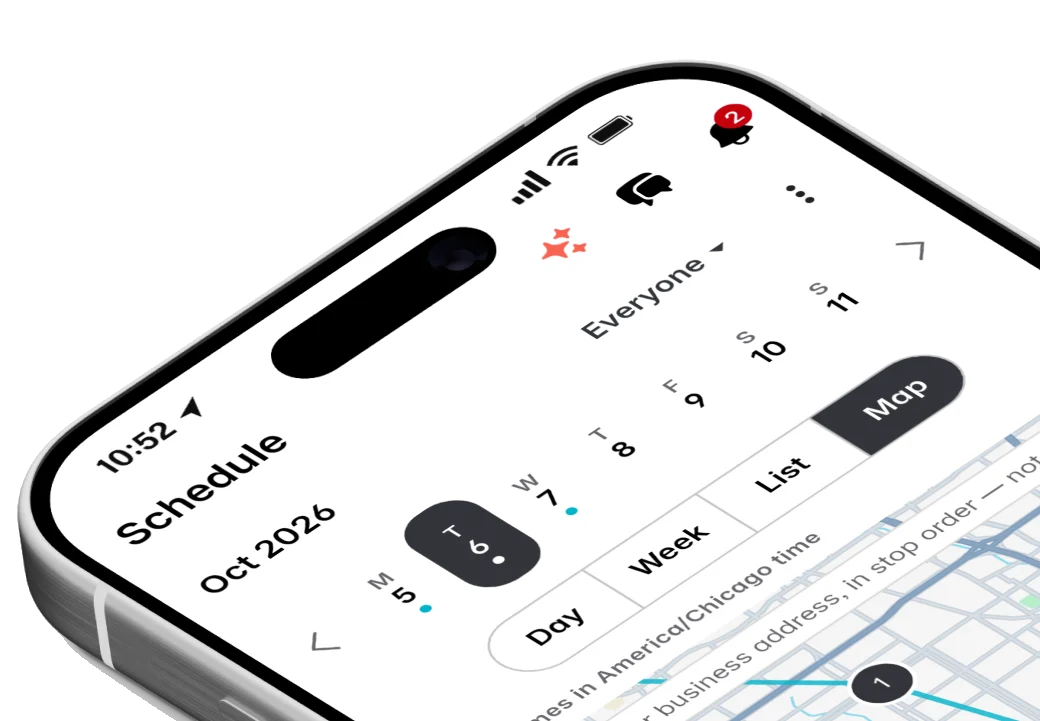
Jobs, visits and arrival windows laid out by day and by person, so you can see the week at a glance and move it around without a phone call to every customer.
Timesheets and payroll
The team clocks in to what they are doing, you approve the week, and Fixerlane hands you a payroll file with regular and overtime hours worked out. You pay people the way you already do.
Payments
Customers pay from the quote or invoice link, or tap their card on your phone. The money goes into your own Stripe account, and Fixerlane takes nothing from a card payment.
Checklists
Write down how a job is done once, and every visit after that follows the same steps, with the photos and signatures to prove it.
The same tools in the Fixerlane app
Fixerlane runs in the browser and on Android and iPhone, with the same tools in each. The app keeps your day on the phone, so it keeps working without signal.


Try it on your own work
Start the 14-day trial with no card, or claim your free listing first and add the tools later.
All features →